Mail: contact@nexopos.com
Phone: +1(940)623-9260
Start using NexoPOS for free on Windows Download NexoPOS
Download NexoPOS
If you already have purchased the product, you can download it from your account downloads.
The AI Thumbnail Generator module automatically generates thumbnails for products and categories using OpenAI's GPT-1.5 and GPT-1.5-mini.
It provides a convenient interface to bulk-generate professional images for items that don't have thumbnails.
1. Navigate to **Dashboard → AI Thumbnails** (or Settings → AI Thumbnail Settings)
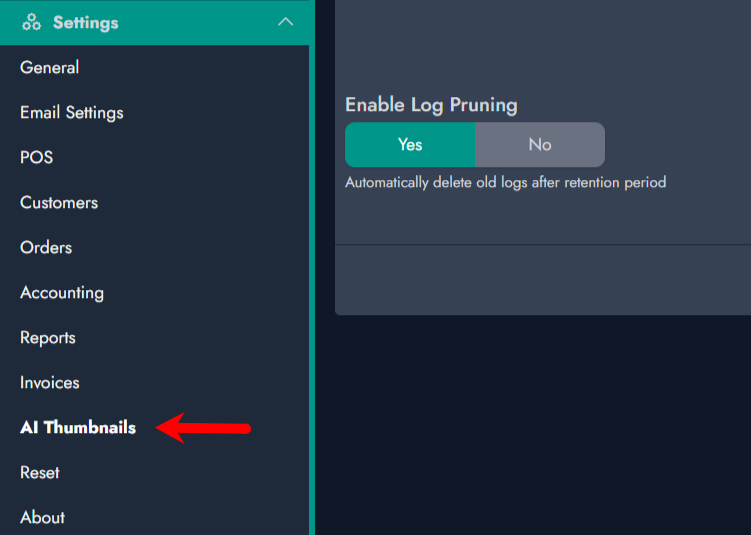
2. Configure the following settings:
- **OpenAI API Key**: Your OpenAI API key (required)
- **Image Model**: Choose between DALL-E 2 or DALL-E 3
- **Image Size**: Select the desired output size
- **Image Quality**: Standard or HD quality
- **Auto Generate**: Enable automatic thumbnail generation for new items
- **Prompt Template**: Customize the prompt used for generation (use `{name}` as placeholder)
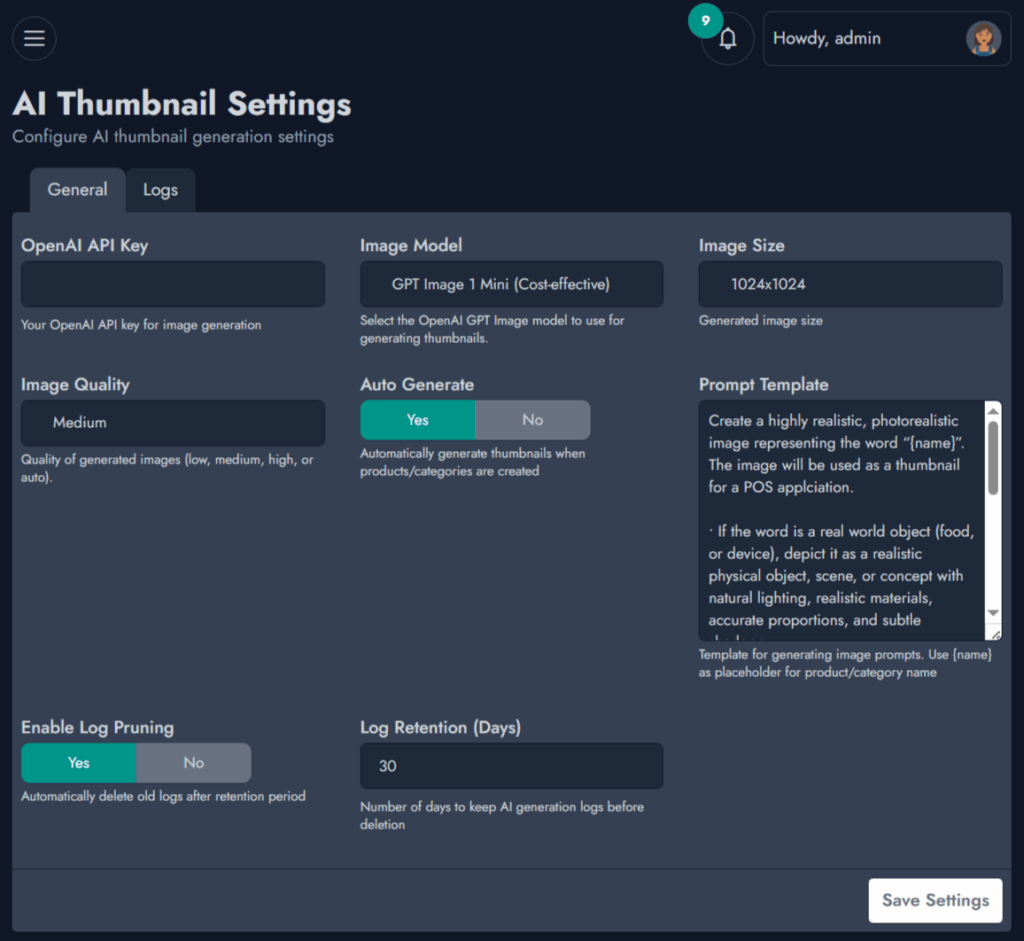
It's important to focus on the prompt you design. Note that, based on your prompt, the output of your image will be more or less accurate.
For inspiration, we've used this prompt from most of our generation.
Create a highly realistic, photorealistic image representing the word “{name}”. The image will be used as a thumbnail for a POS applciation.
- If the word is a real world object (food, or device), depict it as a realistic physical object, scene, or concept with natural lighting, realistic materials, accurate proportions, and subtle shadows.
- If the word does not correspond to any real or recognizable object, generate a minimalist image with a pure white background, placing the word “{name}” centered in the image as clean, realistic typography.
- The typography should look professionally designed (sharp edges, natural depth, slight shadow or embossing if appropriate), with no additional objects or decorations.
- The composition must be centered, balanced, and uncluttered.
- Ultra-high resolution, studio quality, no watermark, no extra text.
On the prompt, we use {name}, which will be replaced by the name of the category or product. It's important to have it on your prompt.
You can generate thumbnails for products and categories by accessing the category and product crud. On each screen, you'll notice a button on the table named "Thumbnails".
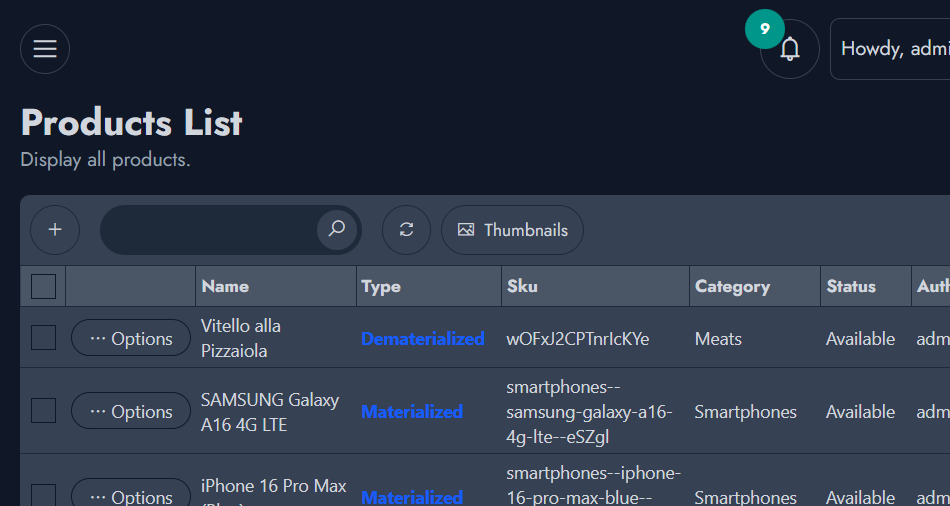
When you click this button, a pop-up will display with the product or category that requires image generation. This retrieves entries with no thumbnails.
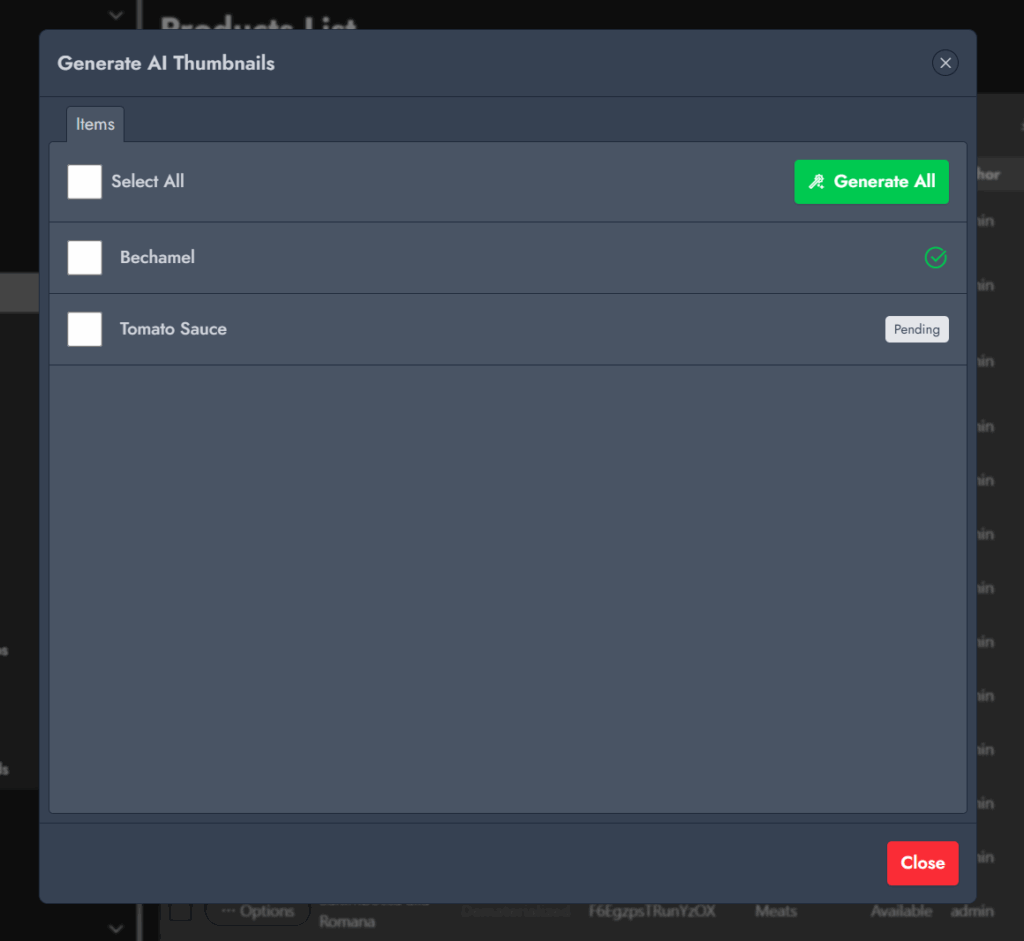
The AI Thumbnail generator includes a log that will give you an accurate overview of the image generation. You'll then find more details if a generator doesn't go as expected.
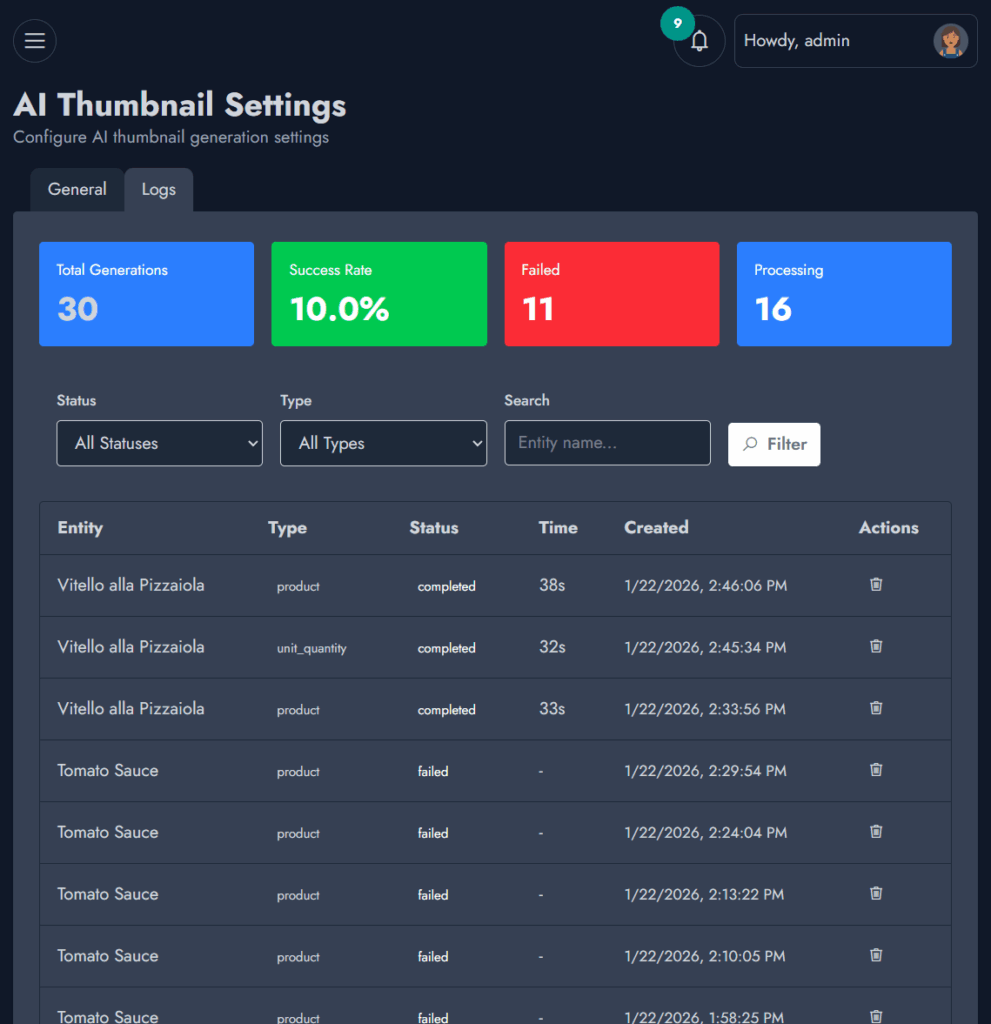
Old log entries are cleaned automatically.
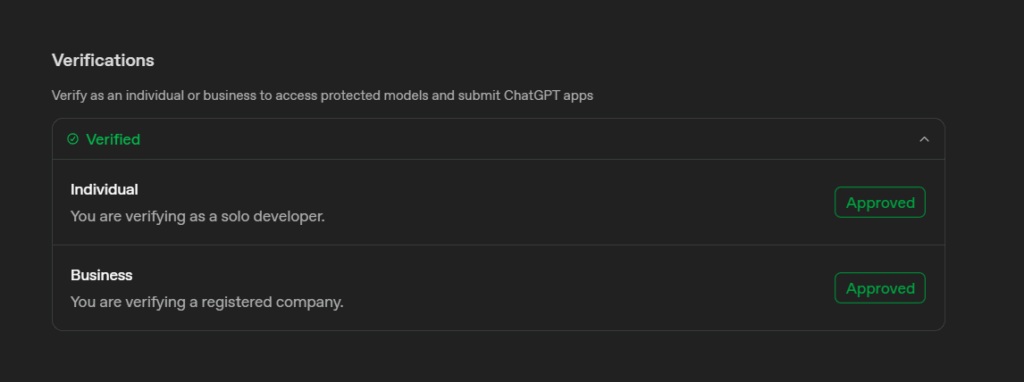
When you start using the plugin, you might bump into an identity verification from OpenAI. For the recent model, OpenAI requires users to identify themself. The process takes less than 5 minutes to start using the latest models.

Easily update multiple products at once with the Bulk Editor...


If you already have purchased the product, you can download it from your account downloads.