Mail: contact@nexopos.com
Phone: +1(940)623-9260
Start using NexoPOS for free on Windows Download NexoPOS
Download NexoPOS
If you already have purchased the product, you can download it from your account downloads.
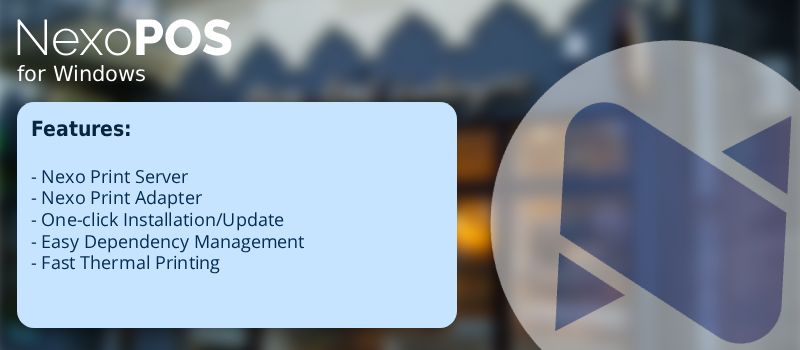
NexoPOS for Windows is a complete desktop solution that bundles everything needed to run NexoPOS smoothly on a Windows machine.
Instead of manually installing PHP, Nginx, SSL, or databases, the application ships with a fully-configured environment so users can focus on using their POS — not setting it up.
NexoPOS for Windows includes:
The base version of NexoPOS for Windows comes with everything you need to get started. Here is the list of the features includes:

Obviously NexoPOS application configured and ready to run. No configuration required — just open the app and start managing products, sales, customers, and reports immediately.
You can print receipts locally through the included Nexo Print Server. The free version adds a small watermark on receipts, but remains fully functional for testing, development, or small deployments.
Your NexoPOS instance is automatically served over HTTPS using a pre-configured SSL setup. This ensures a more secure environment without needing to deal with certificates or advanced server configuration.
The app provides a ready-to-use SQLite database.
No external database installation is required — ideal for smaller stores or quick standalone deployments.
A built-in Nginx server powers your local NexoPOS instance.
It’s preconfigured for optimal performance, security, and compatibility, so you do not need to adjust server settings manually.
To unlock your experience and benefit fully from the application, with the premium license you'll get:
Premium removes the watermark from printed receipts, giving your store a fully professional print output.
With premium, the app can install and manage MariaDB automatically. MariaDB provides stronger performance and is recommended for larger stores or multi-terminal installations.
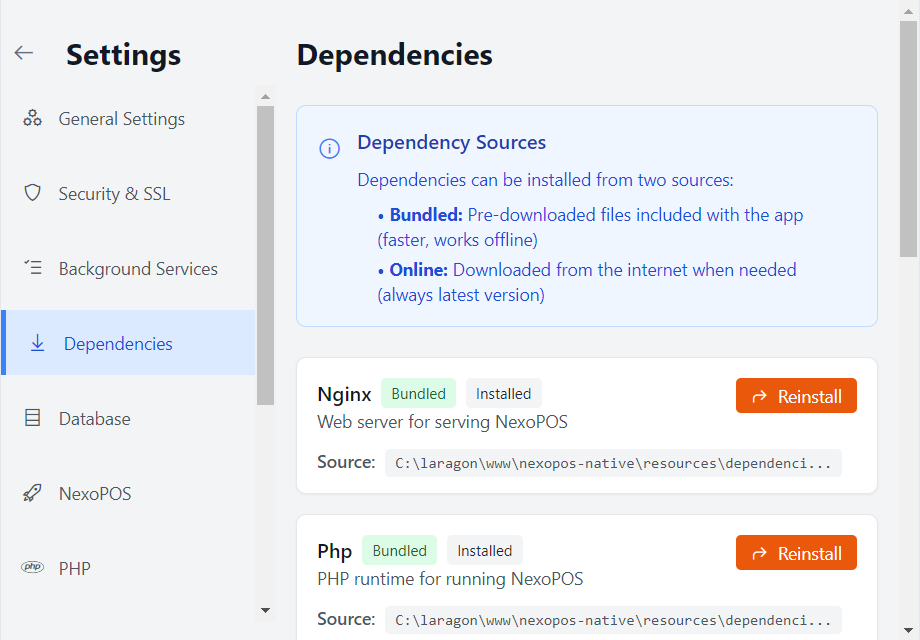
Gain full control over the environment.
You can update, reset, or reinstall dependencies used by NexoPOS without touching manual configurations.
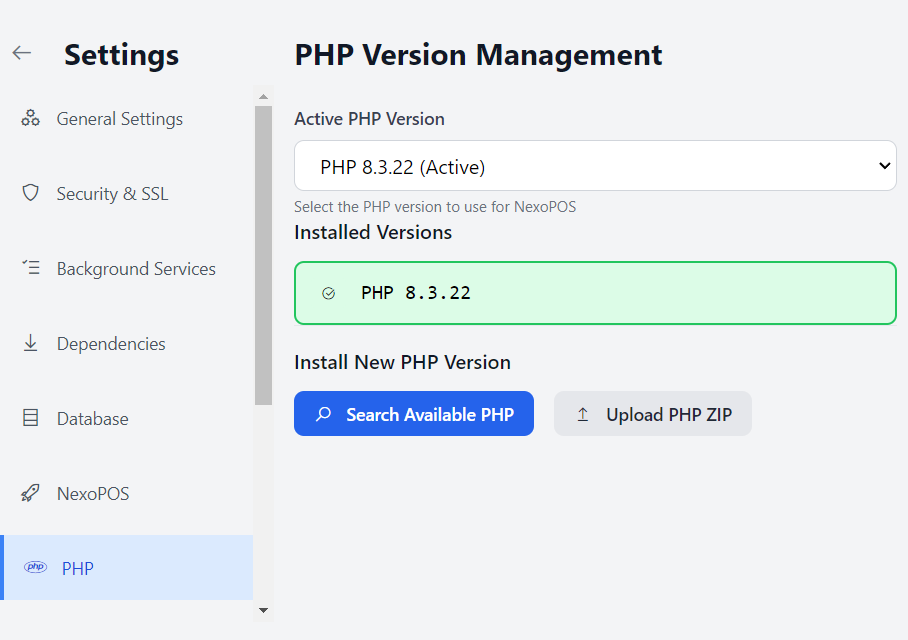
Premium allows you to manage PHP versions and configurations used by your NexoPOS instance. Perfect for developers or advanced users who need custom setups.
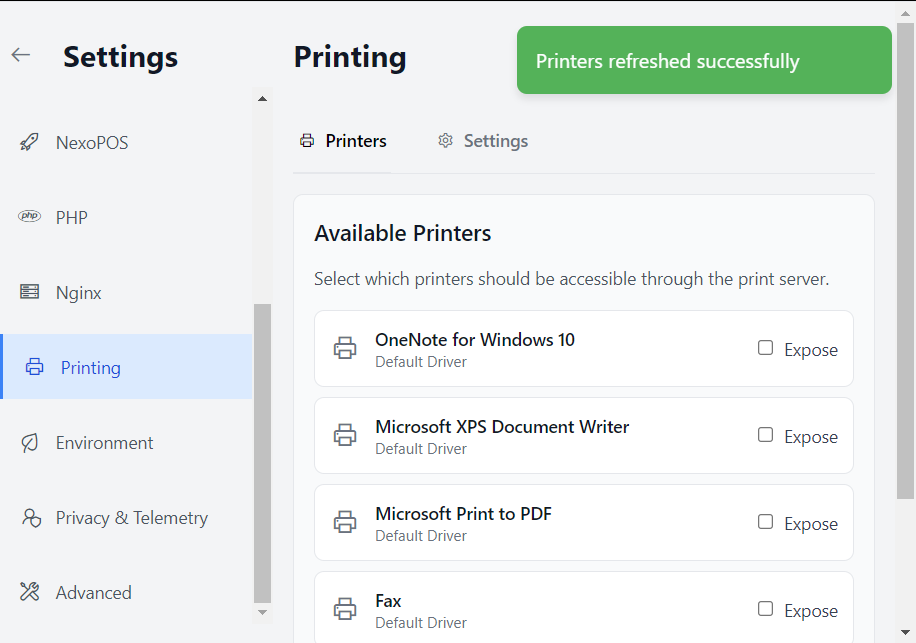
Premium lets you add, manage, and configure printers directly from the Windows application. This includes thermal printers, ticket printers, and more.
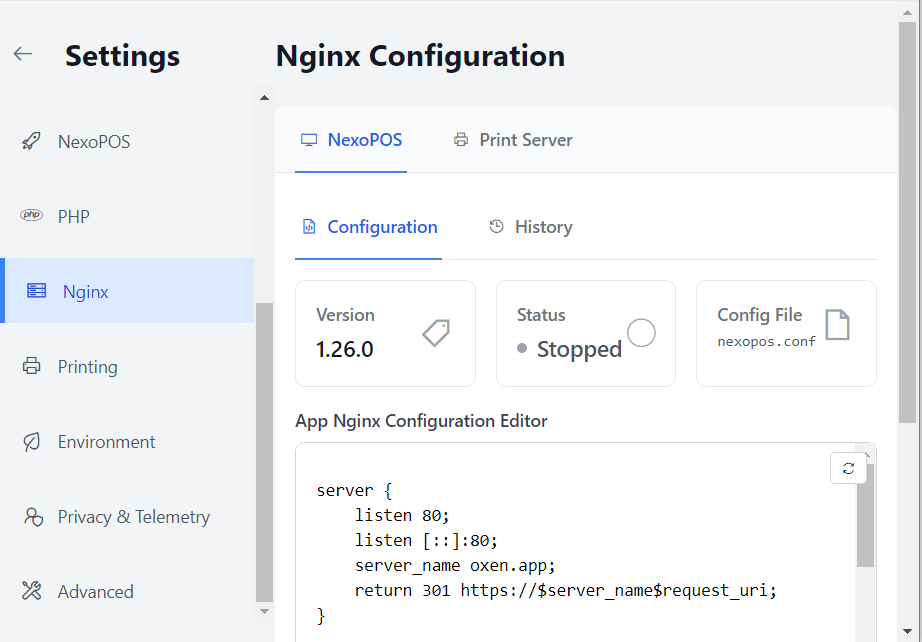
Modify the internal Nginx configuration to match your specific needs — custom routes, advanced caching, larger uploads, or any server rule you require.
You can increase the maximum file upload size directly from the app. This is useful when uploading large images, backups, or media inside NexoPOS.
Enable NexoPOS to automatically start when Windows boots.
Ideal for stores that need the POS always ready when the machine powers on.

Provides a convenient way of exporting modules settings for an...

Generate images for your products, product units, and categories based...

If you already have purchased the product, you can download it from your account downloads.